
Giving an AI control of my computer
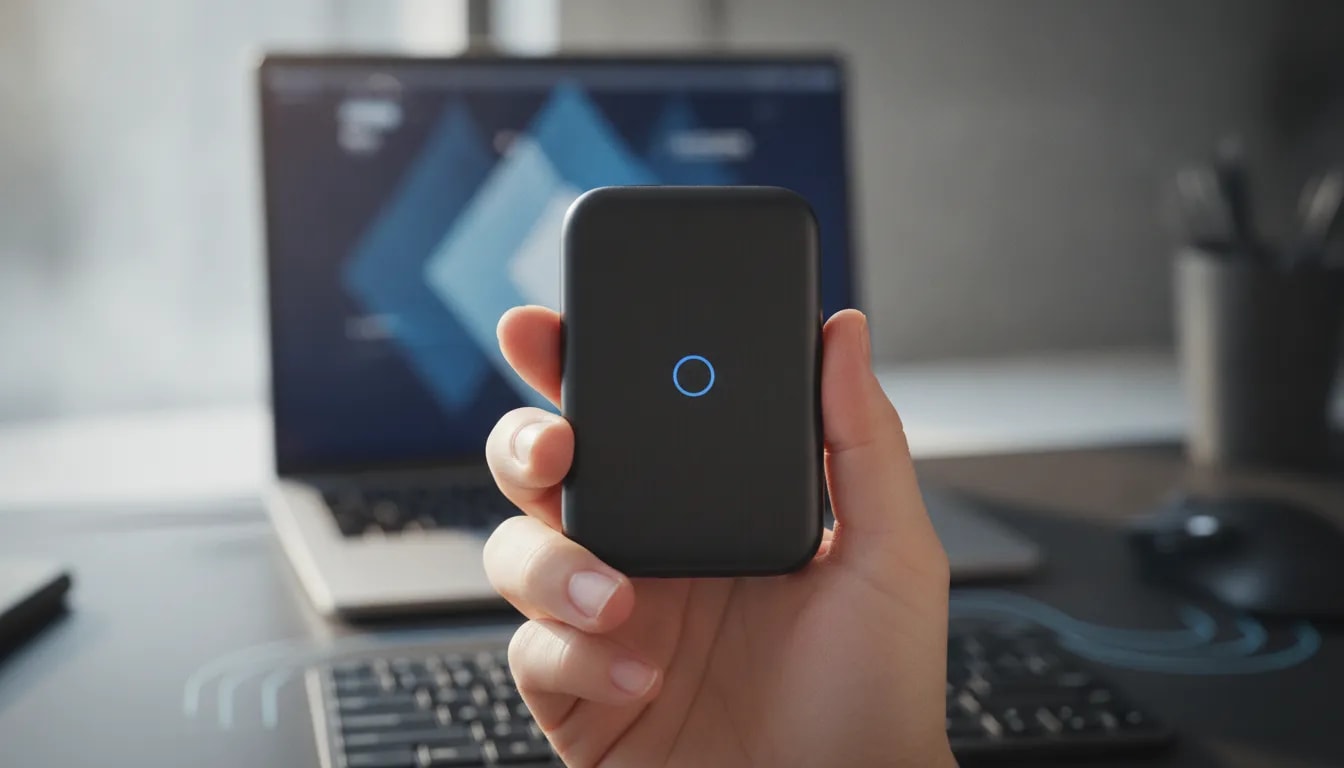
I spent several days testing Violoop, a small physical AI device that plugs into a computer and can actually use the keyboard and mouse. This is not another chatbot sitting in a browser tab waiting for a prompt. The whole point is that it can understand what is happening on screen, recognize repetitive work, and offer to help do it.
Violoop sent me a beta unit for this test as part of a paid partnership, but I used it on my own MacBook with my actual business tasks. My goal was simple: find out whether this cute little box could reduce the boring bulk work that takes over a normal workday.
The concept is more like having an assistant beside your laptop than opening an LLM chat window. Violoop can observe workflows over time, notice patterns, draft suggestions, and then wait for approval when an action is sensitive.
That last part matters. I would not want an AI silently deleting emails, sending brand negotiation replies, or changing documents without me knowing. During my test, the device asked for confirmation through its physical control before carrying out actions that could have consequences.
Cleaning up 86,000 emails automatically
One of my Gmail accounts had more than 86,000 emails. That happened because I subscribed to far too many newsletters over the years, and at a certain point, cleaning everything manually becomes completely unrealistic.
My first task was to clear promotional emails from the last 30 days. I asked Violoop to find them first, reviewed the proposed action, and manually approved it by pressing the physical button on the device. In less than a minute, it identified the promotional messages and moved more than 250 emails to the trash.
Then I gave it a slightly more useful task: find newsletters that I had not opened in the past 30 days, show me the list, let me choose the ones I wanted to keep, and unsubscribe me from the rest.

What I liked was that it did not treat every email as a newsletter. It proactively excluded transactional messages such as payment notifications and invoices. That is exactly the kind of distinction that makes an inbox cleanup assistant more practical.
After I selected the newsletters I wanted to keep, Violoop unsubscribed me from 74 senders in under a minute when those emails had an easy unsubscribe option. Seven newsletters did not include a supported unsubscribe header, so those were left for me to handle manually.
Within a day of using Violoop for this cleanup process, my inbox count dropped by around 2,000 emails. That does not mean the work is magically finished forever, but it turns an overwhelming mess into a task I can finally keep working through.
Who is this hardware actually for?
Violoop is not trying to replace ChatGPT, Claude, or Gemini as a place to ask random questions. It is trying to create a different way of interacting with AI: one where the AI sees the context of your work and picks up on repeated patterns without requiring a brand-new prompt every time.
I think it makes the most sense for small business owners, creators, and solo operators who deal with repetitive digital tasks every day. Think email management, customer communication, scheduling, research, copying information between tools, and admin work that is too repetitive to be valuable but too specific to hand off easily.
My own example is brand collaboration requests. I receive many emails that look different on the surface but ask the same core questions:
- What are your rates?
- What deliverables are included?
- What is the campaign timeline?
If you reply to 50 emails a day and most of them fall into five familiar categories, that is where this kind of AI assistant could become genuinely useful. It has the potential to learn how you communicate, suggest the next step, and reduce the effort without completely removing your control.
How the beta unit was set up
The V3 beta device I tested was straightforward to connect. It required:
- An HDMI cable so Violoop could see the screen
- A USB connection so it could control the keyboard and mouse
- A power cable
- Wi-Fi for internet access
After that, I installed the desktop app on my MacBook. There were no complicated drivers involved. Violoop also offers a Windows app, and the app lets you change the interface language if English is not your preferred option.
The company said its upcoming V4 consumer version is planned to simplify the setup. Instead of the multiple cables used by my V3 beta unit, V4 is intended to connect to a laptop with one Type-C cable and support two screens, with HDMI remaining available for the second display.
Saving hours on repetitive email replies
The biggest time-saving feature in my test was email drafting for brand negotiations.
After Violoop had been connected to my Mac for a while, it noticed that I was repeatedly answering collaboration emails. Then a pop-up appeared with a suggestion: should it draft a reply?
I could reject the suggestion, accept it as useful feedback, or tell it to draft the reply immediately. I did not see this behavior in the first few hours, but when I came back on the second day, it had already picked up much more about my usual reply style.
When I selected the option to draft the response, the suggested text made sense for the type of brand inquiry I was receiving. Most importantly, it did not send the email by itself. It prepared the reply, then waited for my confirmation before sending on my behalf.
I also liked that it remembered my edits. If I adjusted wording in an AI draft, those changes informed future suggestions. Over time, the drafts began moving closer to my own tone instead of sounding like a generic business template.
Models and email connections
By default, Violoop used Claude in the app, but I could switch models in the settings. For my email tasks, I connected an Anthropic API key, and I later tested Gemini as well.
For Outlook, the automation worked directly in my test. Gmail offered several connection options: syncing a logged-in browser session, using Google’s API through MCP, or connecting through a standard mail protocol.
I used the MCP route for Gmail. It was more technical, although Violoop could assist with parts of the setup. There were still account permission and authorization steps that I had to confirm myself, which is exactly how it should be for an email account.
Why does this need to be a physical box?
My first question was also: why not just make this software? The answer comes down to privacy, memory control, and security.
1. More processing happens locally
Violoop is designed as a local-first device, meaning much of its screen understanding and routing happens on the hardware itself instead of being sent to the cloud. Larger cloud models can still be called for heavier tasks when needed, especially when you connect a model provider and API key.
According to Violoop, the planned consumer V4 uses an RK3576 octa-core processor with 26 TOPS of AI performance, can run an 8-billion-parameter model locally, and includes 128 GB of storage. The important practical point is that routine screen processing does not always need to leave the device.
2. You can control what it remembers
The device has a memory area that separates information into domains such as screen activity, work, and life. If it learns something from your workflow that you no longer want it to retain, you can select that area and ask it to forget it.
For example, the Gmail MCP connection appeared in my memory area, and I could choose to remove it. For an assistant designed to learn from daily activity, that kind of memory control is not a small feature. It is essential.
3. Physical approval creates a security checkpoint
There is also a security chip inside the device tied to the safety and trust settings. You can choose how cautious you want it to be.
On stricter settings, Violoop stops and asks for a physical button press before it performs high-risk or irreversible actions, such as deleting a file or sending an email. On less strict settings, routine actions can happen more smoothly without an approval request every single time.
I kept mine on the stricter setting. For me, anything that felt irreversible needed my confirmation first.
The honest limitations I noticed
I liked that Violoop repeatedly asked for approval. The prompts made the system feel cautious rather than reckless. But I also noticed that direct screen control could be slow.
When Violoop needed to click into an email or document and insert text itself, it sometimes took many attempts to locate the exact place on screen. Finding a reply button, clicking it, and inserting the draft in the correct location can involve more than 10 individual steps.
Part of the problem may have been my own workflow. While it was trying to act, I was still working, moving between screens, and changing what was visible. That makes a visual AI agent’s job harder.
The better approach for repetitive bulk work is to let it run while you step away for a few minutes, or explicitly tell it to work in the background without taking control of the mouse.
That is one of the more interesting ideas behind Violoop. Many preferences do not require digging through complicated configuration menus. You can explain how you want it to behave, almost as if you were giving instructions to an assistant.
At the time of my test, Violoop was offering a refundable $10 reservation before its Kickstarter launch. The early-bird price was listed from $369, with a clip-on microphone and limited-edition keycap set included as early reservation perks. Pricing and availability can change, so it is worth checking the current details directly on the Kickstarter platform before making any decision.
For now, my conclusion is that Violoop is most promising for people who are drowning in repetitive computer work and want more than a chatbot. It is not perfect, and it can be slow when it has to navigate a changing screen pixel by pixel. But the combination of screen awareness, learned preferences, local processing, background work, and physical approval is a genuinely different direction for personal AI assistants.
Frequently Asked Questions
What is Violoop?
Violoop is a plug-in AI device that connects to a computer, understands activity on screen, and can control the keyboard and mouse to help with repetitive digital tasks.
Can Violoop send emails automatically?
It can draft and prepare email actions, but in my strict security setting it waited for physical approval before sending an email on my behalf.
Can Violoop unsubscribe from newsletters?
Yes. In my test, it found rarely opened newsletters from the past 30 days, excluded transactional messages, and unsubscribed from 74 senders that had an easy unsubscribe option.
Does Violoop use cloud AI models?
Violoop is designed to process much of its screen understanding and task routing locally, while allowing connected cloud models such as Claude or Gemini to handle heavier tasks when needed.
Who would benefit most from Violoop?
It is most relevant for small business owners, creators, and solo operators who spend significant time handling repeated emails, inbox cleanup, customer communication, and similar computer-based admin tasks.


