

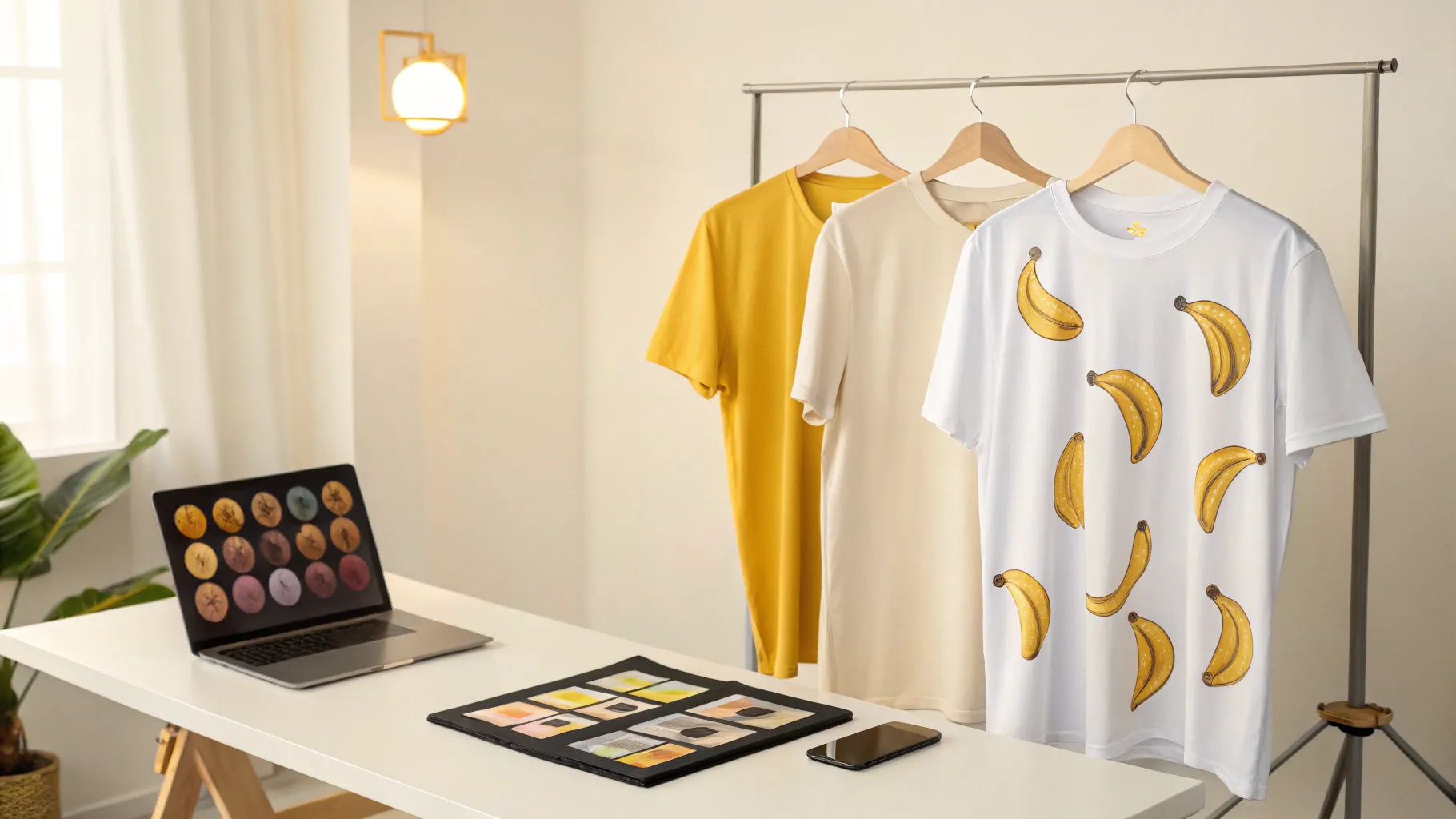
Why NanoBanana Pro changes the game for print-on-demand
Designing professional t-shirts and mockups used to mean Photoshop, lots of trial and error, and a designer on retainer. NanoBanana Pro turns that on its head. It can generate text-and-image designs with correct spelling, precise layout, and style consistency across a collection — all from short, natural prompts. For anyone selling on Etsy, Shopify, Amazon Merch, or similar platforms, this speeds up design testing and makes scaling realistic without expensive photoshoots.
Quick start: two ways to access NanoBanana Pro
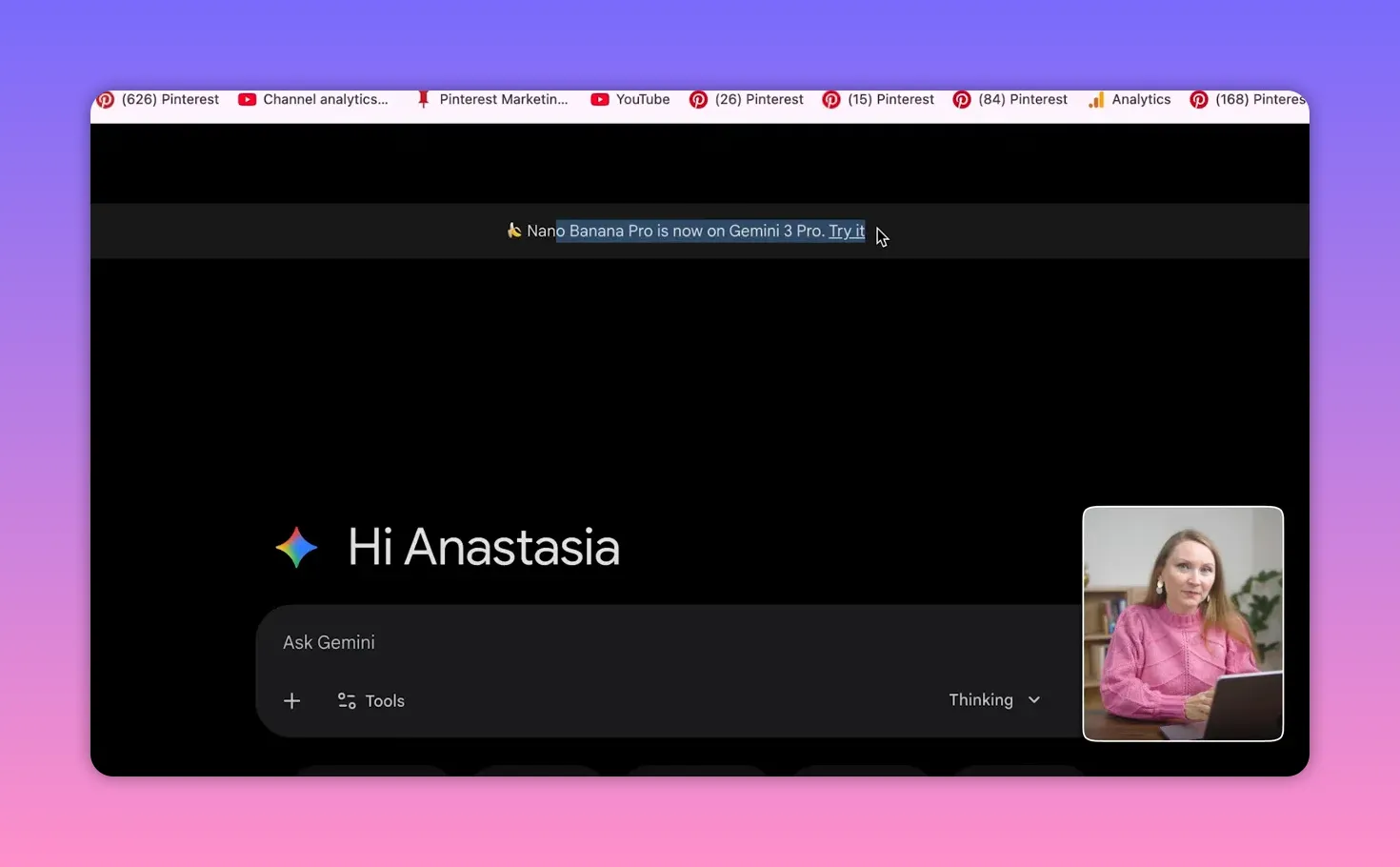
There are two practical entry points: the free Gemini interface and Google’s AI Studio. Each has pros and cons depending on whether you need professional-quality files.
Use Gemini (fast and free for testing)
Go to gemini.google.com, pick the Gemini 3 Pro model, then Tools and Create Image. The free flow is perfect for experimenting: prompts are immediate and editing is intuitive. The limitations are a visible watermark and fixed resolution/aspect ratio options, which makes these images unsuitable for final print products.
Use AI Studio (production-ready)
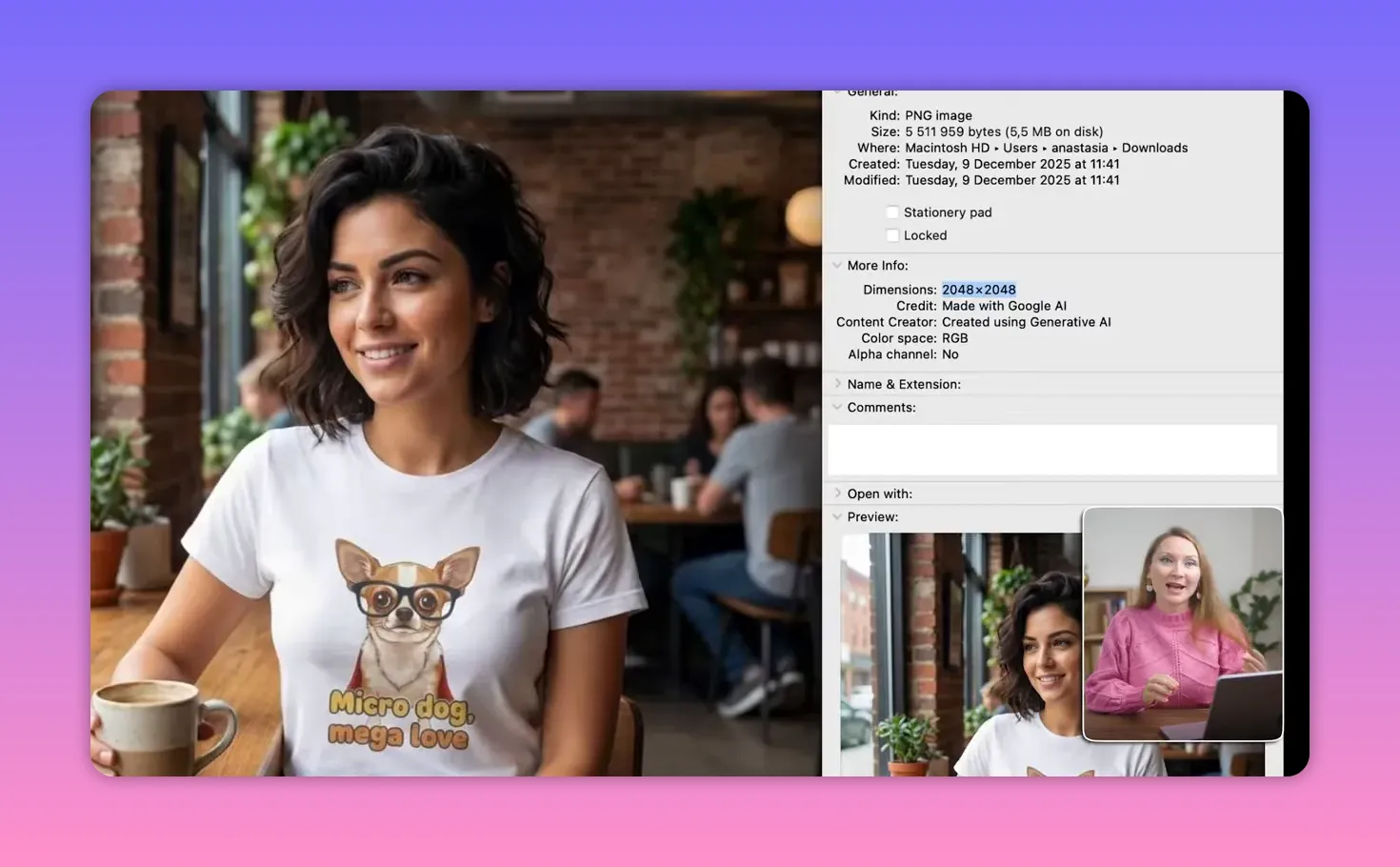
For print-ready assets, go to aistudio.google.com, open Playground, select Images and choose NanoBanana Pro. Here you gain full control of aspect ratio and up to 4K resolution. That means 1:1 for stickers, 3:4 for shirts, and 4:5 for prints are all possible. The trade-off is you need an API key and paid credits, but those costs are often justified once you are selling at scale.
Prompting rules that actually improve results
Google released a prompting guide that radically improves design quality. These are the rules that changed my workflow.
- Use natural language, not keywords — Describe the scene or design like a sentence, not a list of tags. For example: create a t-shirt design with an adorable tabby cat sitting in an oversized coffee mug with the text running on caffeine and cat hair above it.
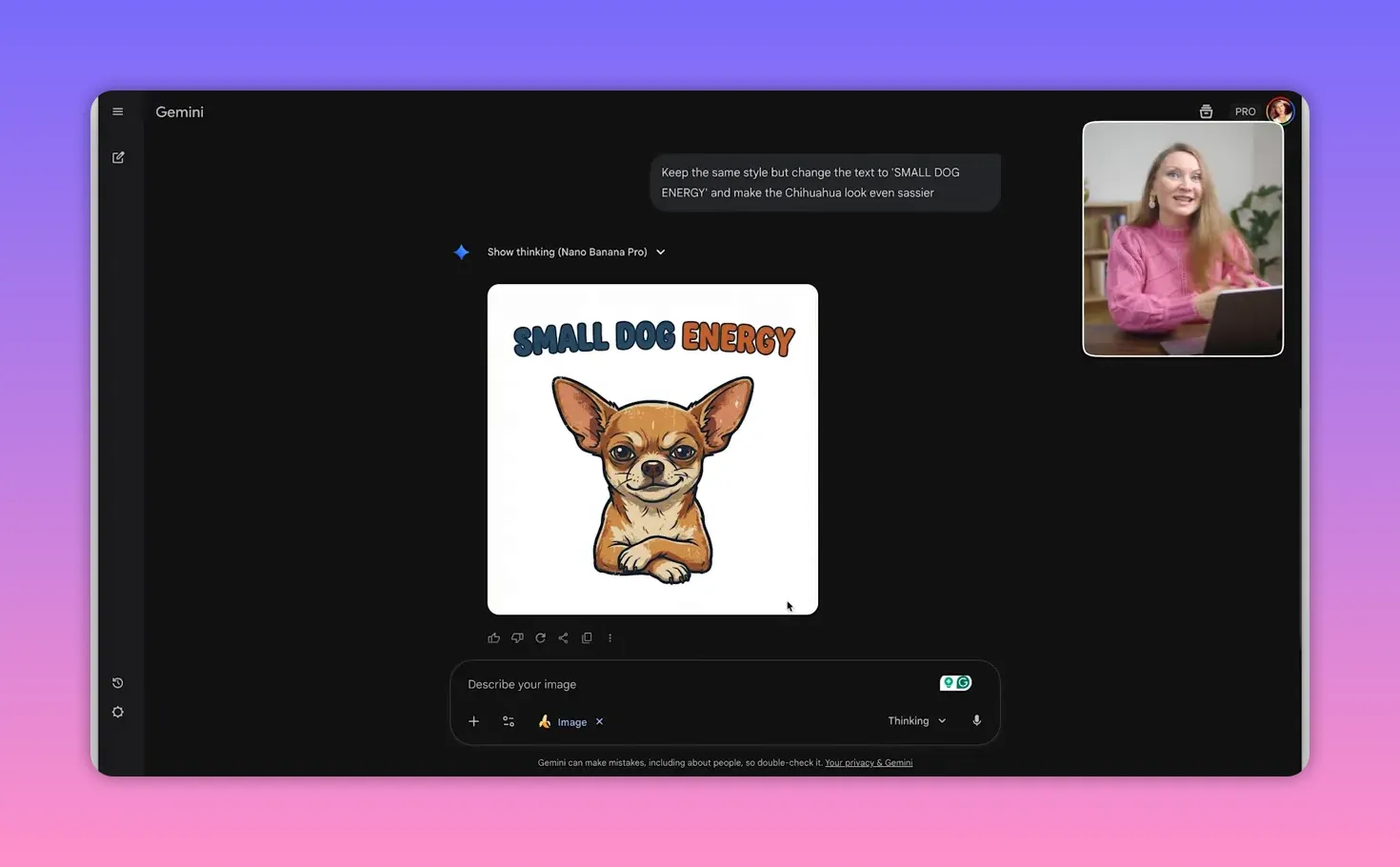
- Add, don’t re-roll — When an image is 80 percent there, edit the latest prompt to change only what needs changing. This preserves the parts you like and speeds iteration dramatically.
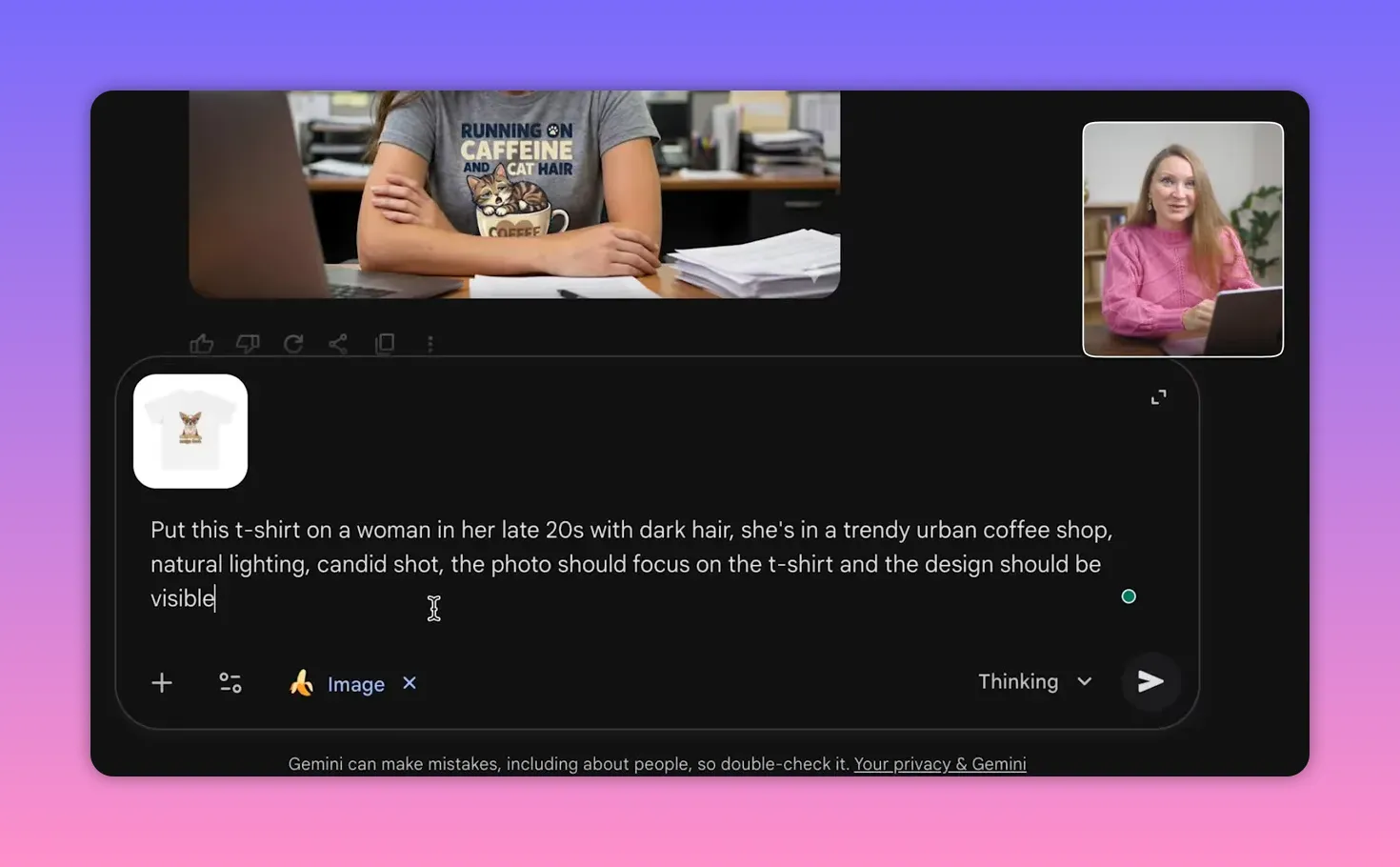
- Be specific about descriptions — Describe people, poses, lighting, and environment precisely to avoid strange or overly realistic artifacts. If you need a mockup to emphasize the shirt, say so: a candid shot in natural light focused on the t-shirt design.
Real examples: text + image designs that used to be impossible
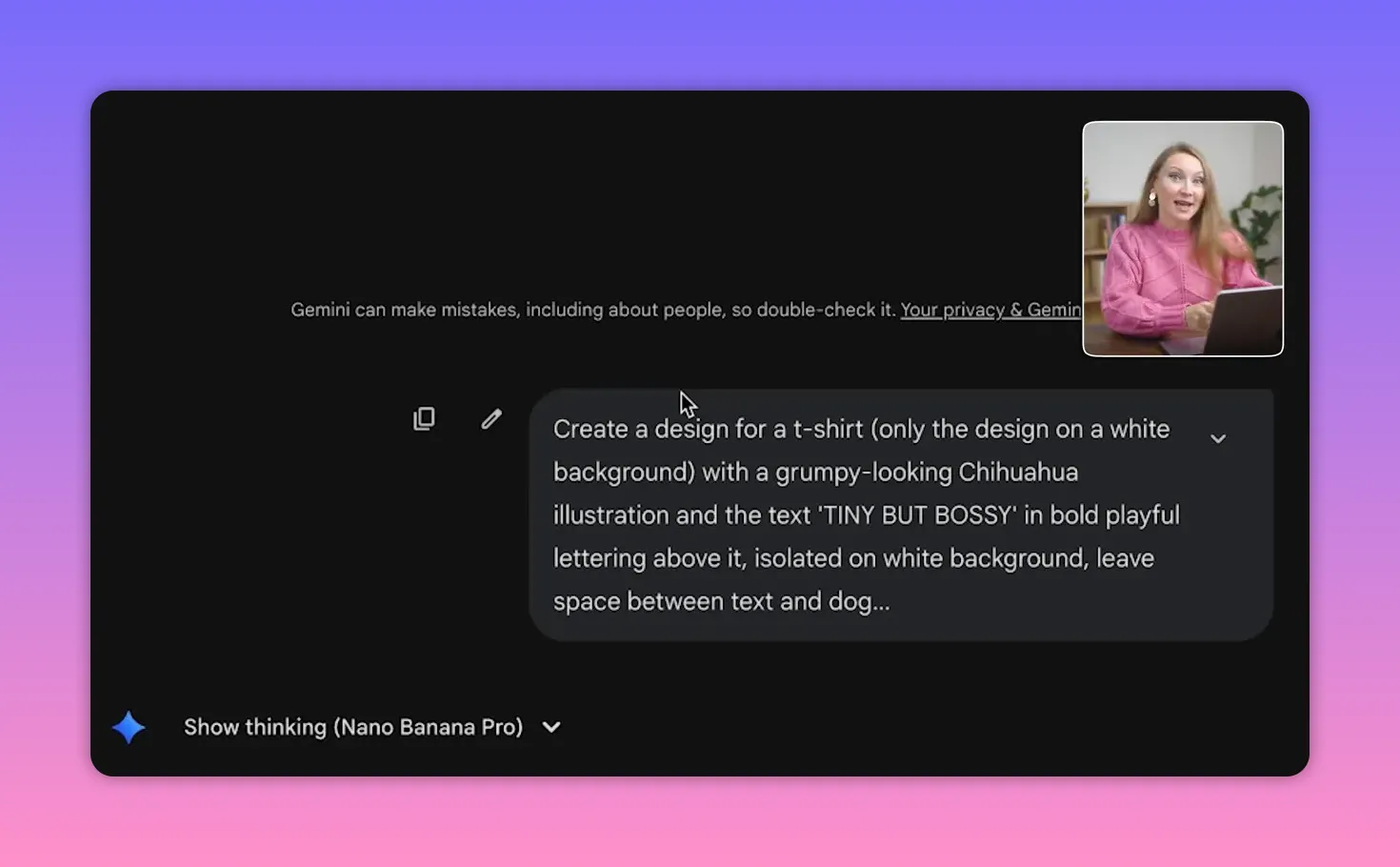
Text-and-image layouts were an Achilles heel for many image models. NanoBanana Pro handles them reliably. Short, specific prompts produce spelled-correct, well-spaced slogans above illustrations—no manual kerning required.

Try prompts that name the vibe and spacing. Example: create a t-shirt design with a grumpy looking shiba illustration, and the text tiny but bossy in bold, playful lettering above it, isolated on white background. Leave space between the text and the dog. From there you can edit the text only or swap the breed while keeping layout and style intact.
Advanced editing and mockups: Photoshop-level control without the software
Advanced Editing in NanoBanana Pro lets you place designs onto lifestyle mockups, change backgrounds, or reposition subjects with professional results. A simple product photo of a t-shirt on a plain background can become a candid lifestyle shot in seconds.
- Create a lifestyle mockup: specify model age, hair, setting, lighting, and that the photo should focus on the t-shirt design. The result is a realistic candid image ready for product pages.
- Change background and mood: keep the same model and shirt, swap a coffee shop for the Trevi Fountain, and get a completely different vibe without a new photoshoot.
- Maintain product consistency: generate matching collections by instructing the AI to reuse the same art style from the previous image. This enables quick creation of coordinated product lines.
Where NanoBanana fits into a print-on-demand workflow
Generating designs is only part of the process. For fulfillment and marketplace integration, use a print-on-demand platform that connects to your storefronts. Printify, for example, offers over 900 products across 85 categories and integrates with Etsy, Shopify, and Amazon so you can sync your catalog quickly. A premium plan discounts product cost, which matters as volume grows.
My workflow looks like this: generate 30 to 50 designs in a week with NanoBanana Pro, create lifestyle mockups that match different aesthetics, upload winners to Printify, and test listings on Etsy or Shopify. Automated fulfillment and split testing allow rapid scaling.
Production tips and settings
- Aspect ratios — Choose 1:1 for stickers, 3:4 for shirts, and 4:5 for art prints to match product templates.
- Resolution — Use AI Studio and 4K where possible for crisp print-ready files.
- Watermarks — The free Gemini interface adds a watermark. Use AI Studio with credits to get watermark-free images.
- Iterate efficiently — Use the add-not-re-roll approach: edit the latest prompt to tweak only what needs changing and keep everything else.
- Consistency — Keep style consistent across a chat session by referencing previous images and asking for the same art style.
FAQ
How do I access NanoBanana Pro for quick testing?
Use gemini.google.com, select Gemini 3 Pro, then Tools and Create Image. The free interface is great for experimentation but includes a watermark and limited aspect ratio options.
How do I get high-resolution, watermark-free images?
Use aistudio.google.com, open the Playground, choose Images and NanoBanana Pro, then pick desired aspect ratio and up to 4K resolution. This requires an API key and paid credits.
What are the most effective prompting techniques?
Write prompts in natural language, avoid keyword stacks, use the add-not-re-roll approach to preserve good elements, and be highly specific about people, poses, lighting, and layout.
Can NanoBanana Pro create consistent collections?
Yes. Keep working within the same chat and reference the previous image with instructions like using the same art style. This maintains a cohesive look across multiple designs.
Is NanoBanana Pro good enough to replace paid mockup services?
For many cases, yes. Generated lifestyle mockups can match or exceed the quality of paid stock mockups. Paid mockup services remain convenient if you already have a subscription, but NanoBanana Pro offers powerful, flexible alternatives for testing different aesthetics quickly.
How much does using AI Studio cost?
Costs depend on API usage and credits. If you are already selling and testing designs at scale, the expense is usually justified by the time saved and the increase in production-ready assets.
Final notes
NanoBanana Pro is a practical tool for designers and sellers who want to speed up ideation, produce polished mockups, and maintain style consistency across collections. With careful prompting and the right settings in AI Studio, you can produce print-ready assets and scale a print-on-demand business without a traditional design pipeline.
Try short, natural prompts, keep iterations additive, and move to AI Studio when you need production quality. Once you have a workflow, you can rapidly test which designs and lifestyle aesthetics convert best for your audience.


